
Segments
The segments or interest groups are used to group and classify your users. When you send a campaign you can choose to only impact users subscribed to a certain group.
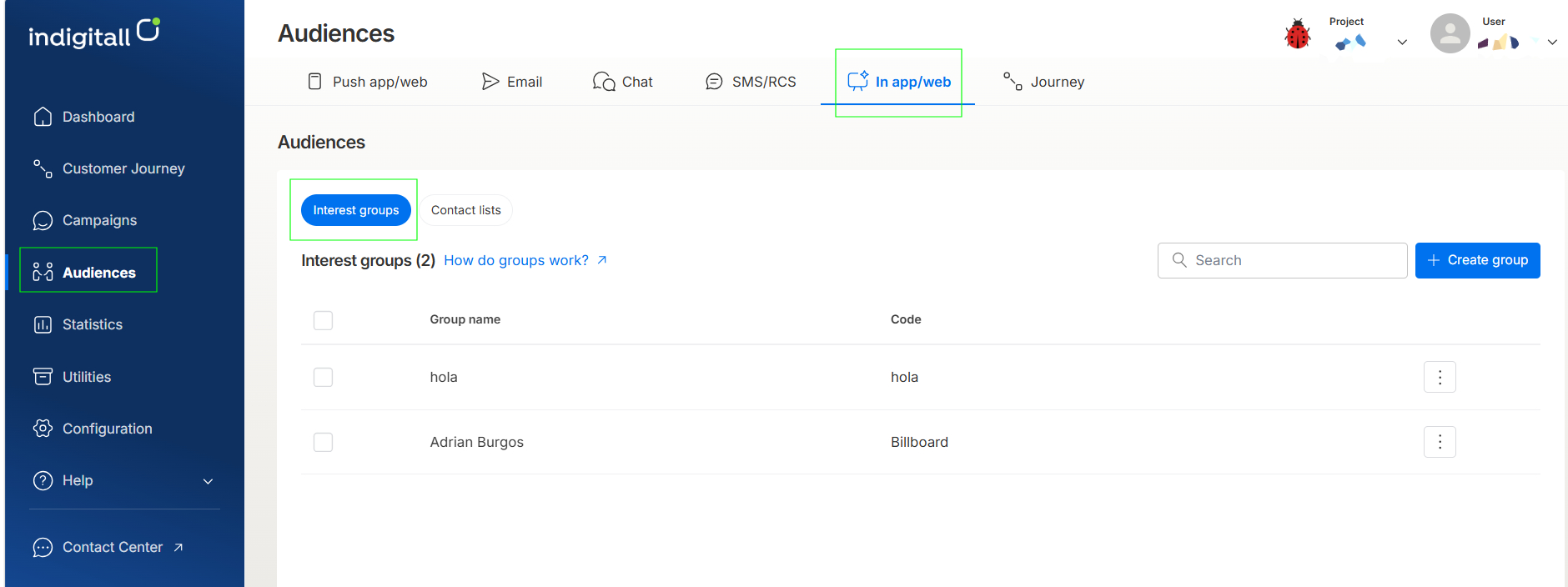
You can manage your groups from the indigitall console, selecting Audiences / inApp-inWeb. In this screen you can create, edit and delete the groups of any of your projects.
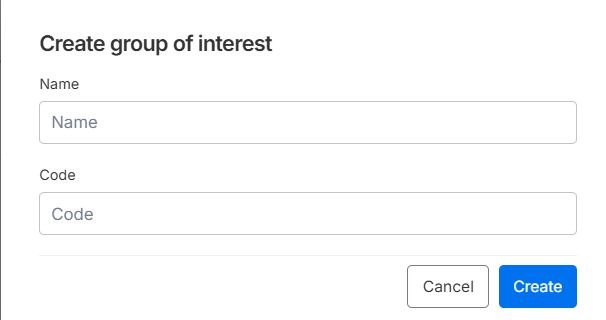
When you select to create a new group, a form will open with the name and code fields.
Filters
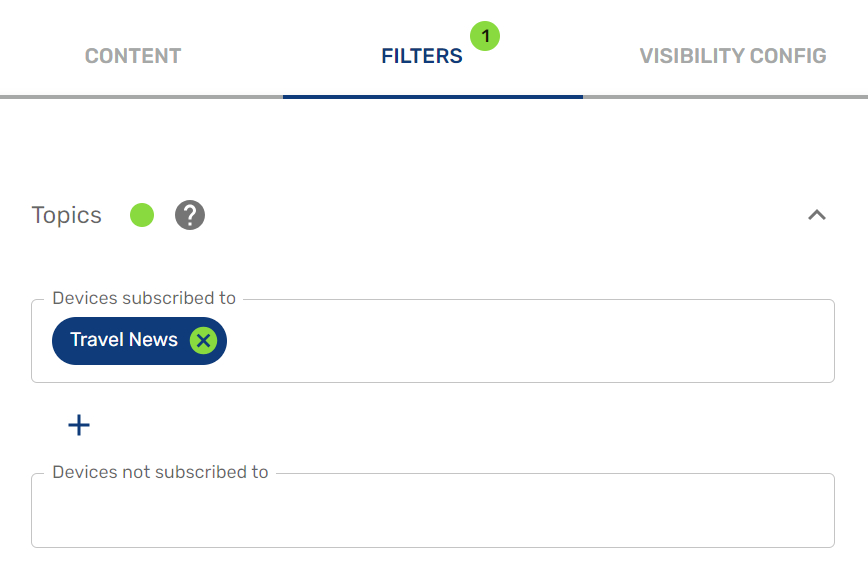
Once you have created the segment, you can use it as we have explained in the filter section.
Updated 12 days ago
Did this page help you?