
MCP Integration Guide
Connecting indigitall Statistics to Claude, Copilot, and Gemini
This guide explains how to connect your indigitall statistics and analytics to Large Language Models (LLMs) like Anthropic Claude, Microsoft Copilot, and Google Gemini using the Model Context Protocol (MCP).
Anthropic Claude
Setting up the indigitall MCP connector in Claude requires a one-time administrator configuration, after which team members can easily link their individual accounts.
Administrator Setup
-
Open the Claude app, navigate to the main menu, and select Company Settings.
-
Click on the Connectors tab.
-
Select Add Custom Web Connector.
-
In the configuration dialog, fill in the following details:
-
Name: Enter a clear identifier for your team (e.g.,
indigitallorindigitall Statistics). -
URL: Enter your specific MCP endpoint:
https://mcp.XXX.indigitall.com/mcp
(Note: ReplaceXXXwith your console's designated cluster based on your geographical region or usage date, such asam1,eu1,eu2, oreu3).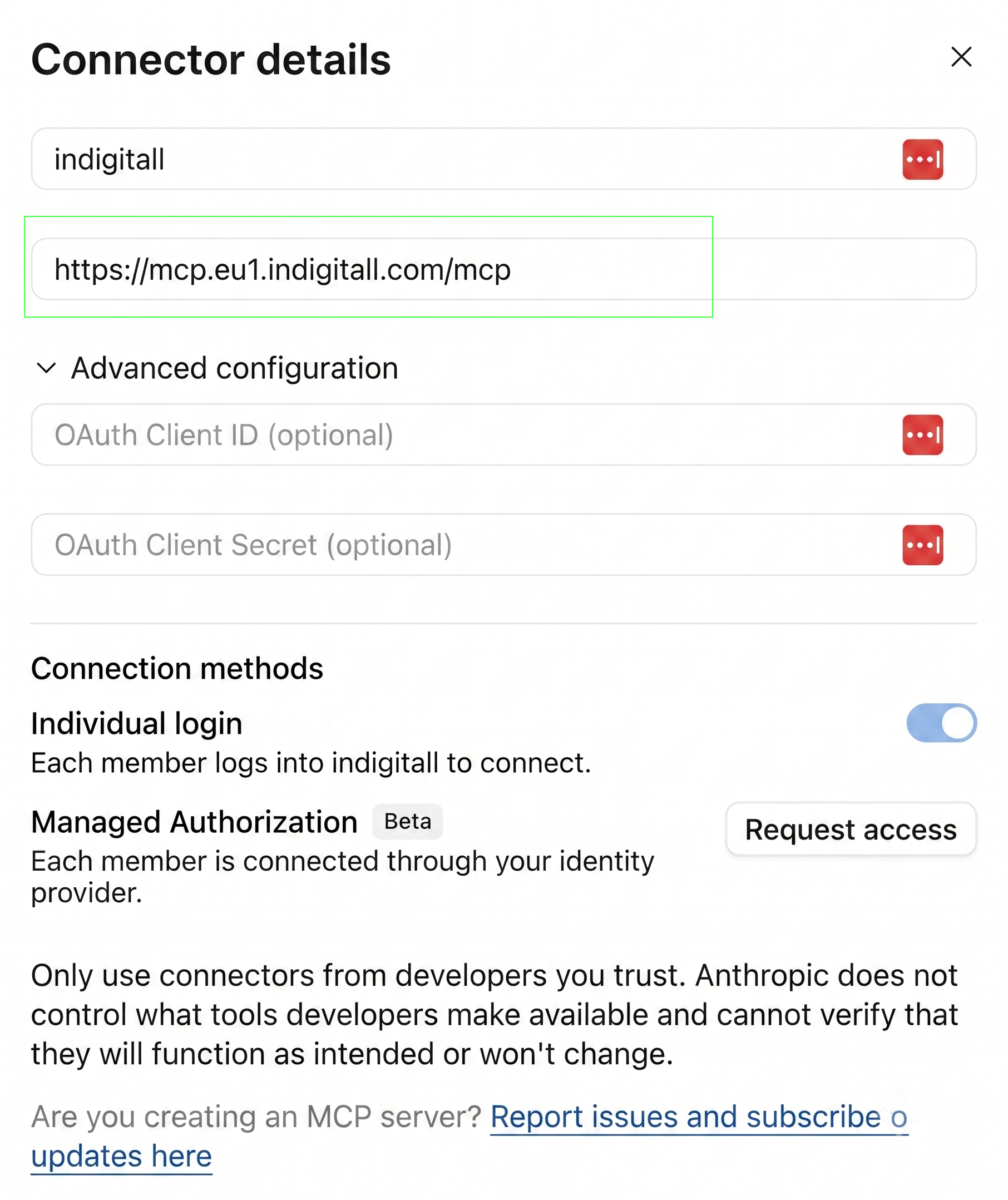
-
-
Save the configuration.
Team Member Connection Process
Once the administrator has deployed the custom connector, team members can enable it by following these steps:
-
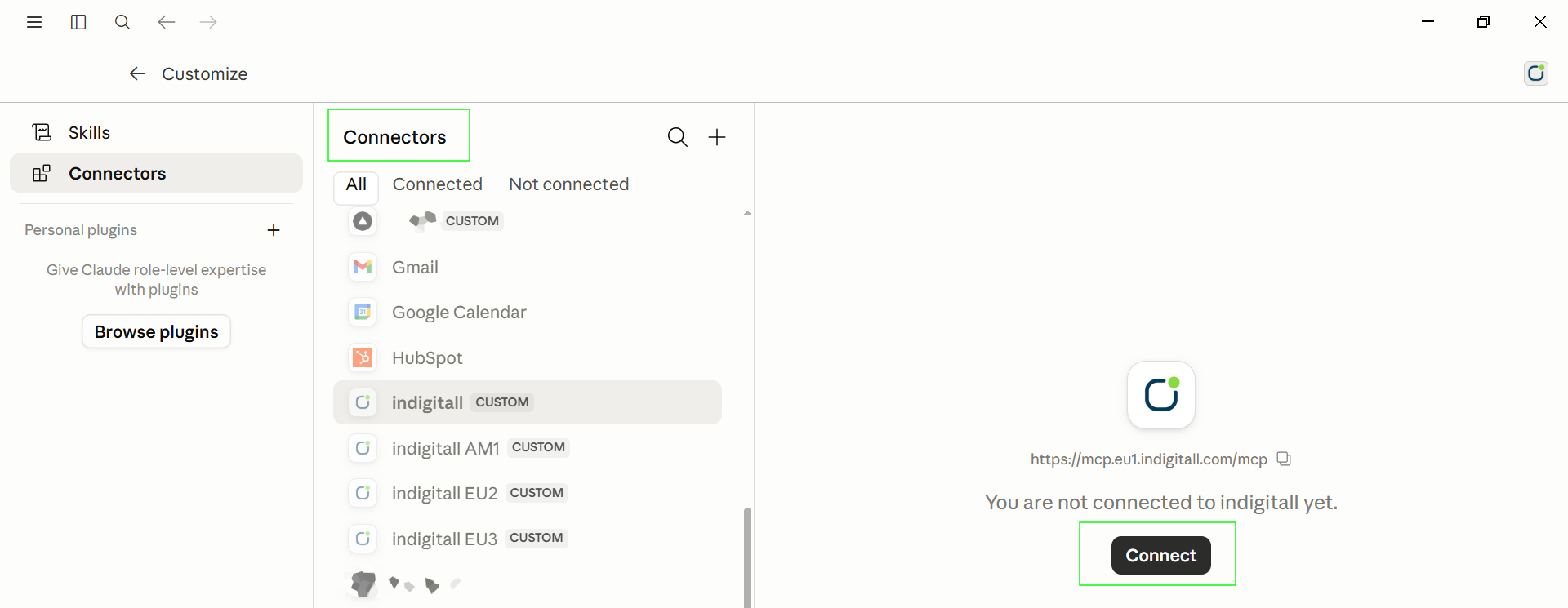
Navigate to the Connectors section in your Claude app.
-
Locate the indigitall connector under the available list and click Connect.
-
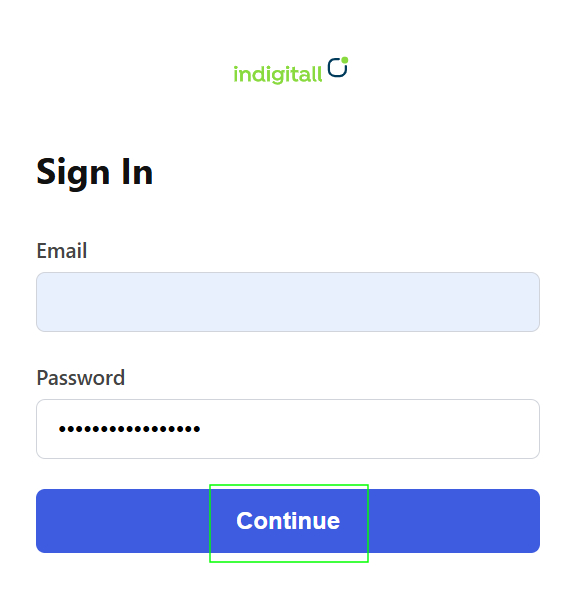
A browser pop-up window will appear prompting you to log in. Enter your indigitall console credentials (Email and Password).
-
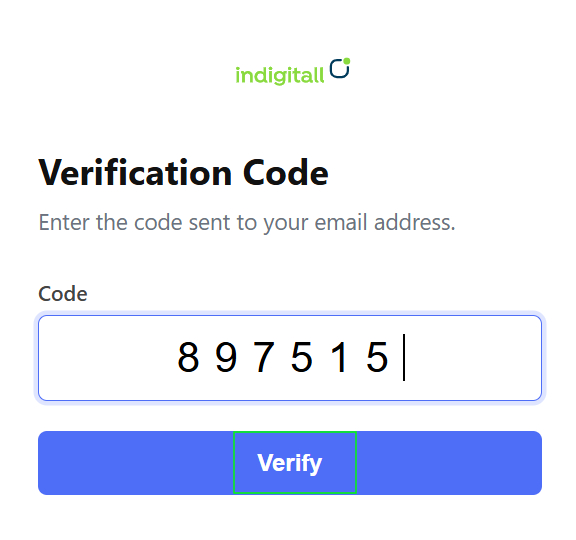
For enhanced security, enter the Verification Code sent to your registered email address.
-
Once authenticated, the browser will display: "Taking you back to the desktop app. You can close this tab."
-
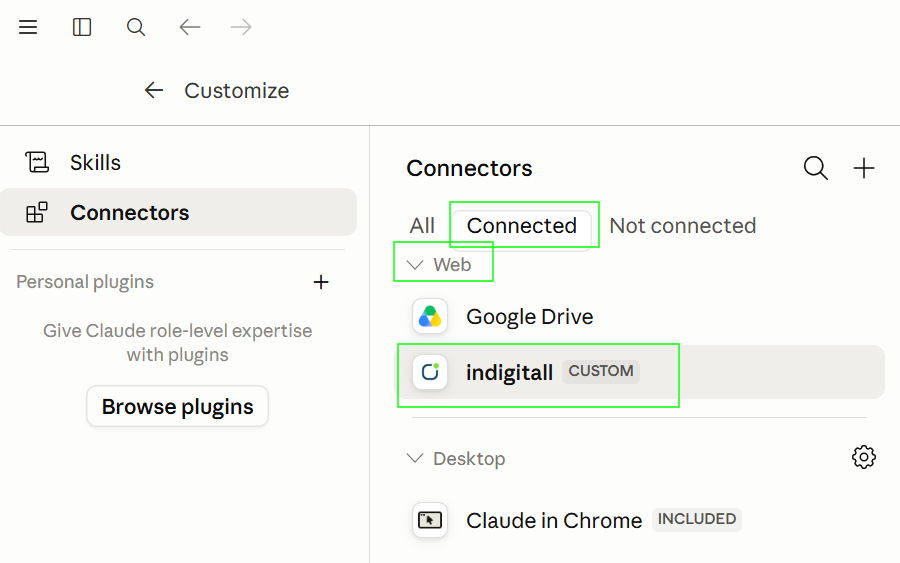
Return to your Claude app and verify that the connector status is listed as Connected under the Web category.
Usage Details
When interacting with Claude regarding your indigitall analytics, please keep the following guidelines in mind:
- Switching Projects: To change or query a different project, you must initiate a completely new conversation thread in Claude.
- Data Availability & Latency: Analytics are not updated in real-time. The accessible data range covers from yesterday up to the previous 90 days.
- Result Validation: As with any generative AI system, the LLM may occasionally hallucinate or make errors regarding specific metrics or channels. Always cross-verify critical statistics against the official console.
- Permissions: The data accessible via the MCP connection strictly matches your console user role; you will only be able to view and query projects you already have permission to access.
Microsoft Copilot & Google Gemini
To integrate indigitall statistics with Microsoft Copilot or Google Gemini via the Model Context Protocol (MCP), add the following JSON configuration snippet to your respective environment configuration settings:
{
  "servers": {
    "indigitall-mcp": {
      "type": "http",
        "url": "https://mcp.xxx.indigitall.com/mcp",
        "headers": {
          "Authorization": "ServerKey <valid-server-key>",
          "X-Application-Id": "12345"
        }
     }
  }
}{
"servers": {
"indigitall-mcp": {
"httpUrl": "https://mcp.xxx.indigitall.com/mcp",
}
}
}Key Advantages of MCP
- High Level of Automation: This is MCP’s core strength. It allows you to create custom skills and automate complex workflows with zero manual intervention. Furthermore, it seamlessly integrates with other MCPs in your tech ecosystem, such as Google Analytics, to cross-reference and enrich your data.
- Automated Recurring Reports: You can schedule visual, dynamic reports to run automatically on a defined schedule (for example, generating and delivering every Monday at 9:00 AM).
- Ideal for Continuous Tracking: MCP is a powerful tool for delivering aggregated metrics and key statistics on a regular basis, making performance monitoring completely effortless.
Want deeper analytics?Just be sure to mention the date range, channels, or specific campaign/journey names if you're looking for granular data.
Updated 3 months ago