
Customer lists
In the Audiences > Customer Journey > Customer Lists menu, you can upload .CSV files containing the users you want to target. Simply click the + (plus) icon in the top right corner to open a window where you can select your .CSV file and provide an identifying name.

To simplify management, a search bar is available at the top to help you quickly find lists by name. The dashboard also displays the following fields for each entry: ID, Name, Creation Date, and Last Modified. Additionally, you can download any of your uploaded lists at any time by clicking the Download (arrow) icon located to the right of each entry.
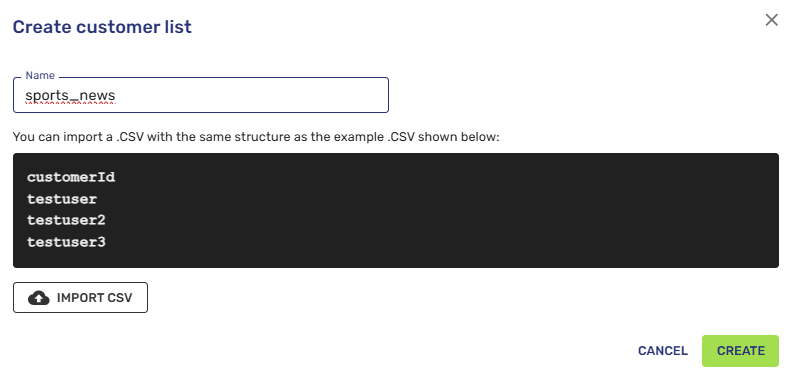
Remember that the essential field for identifying customers in the journey is customerId (the column header must be named exactly this way).
Updated 9 months ago